If the SSL certificate is not correctly configured on the server, Android users can get an authorization error in the mobile application.
If you see The application is trying to access a server with an untrusted certificate error, check your server and see how the certificate chain is set up.
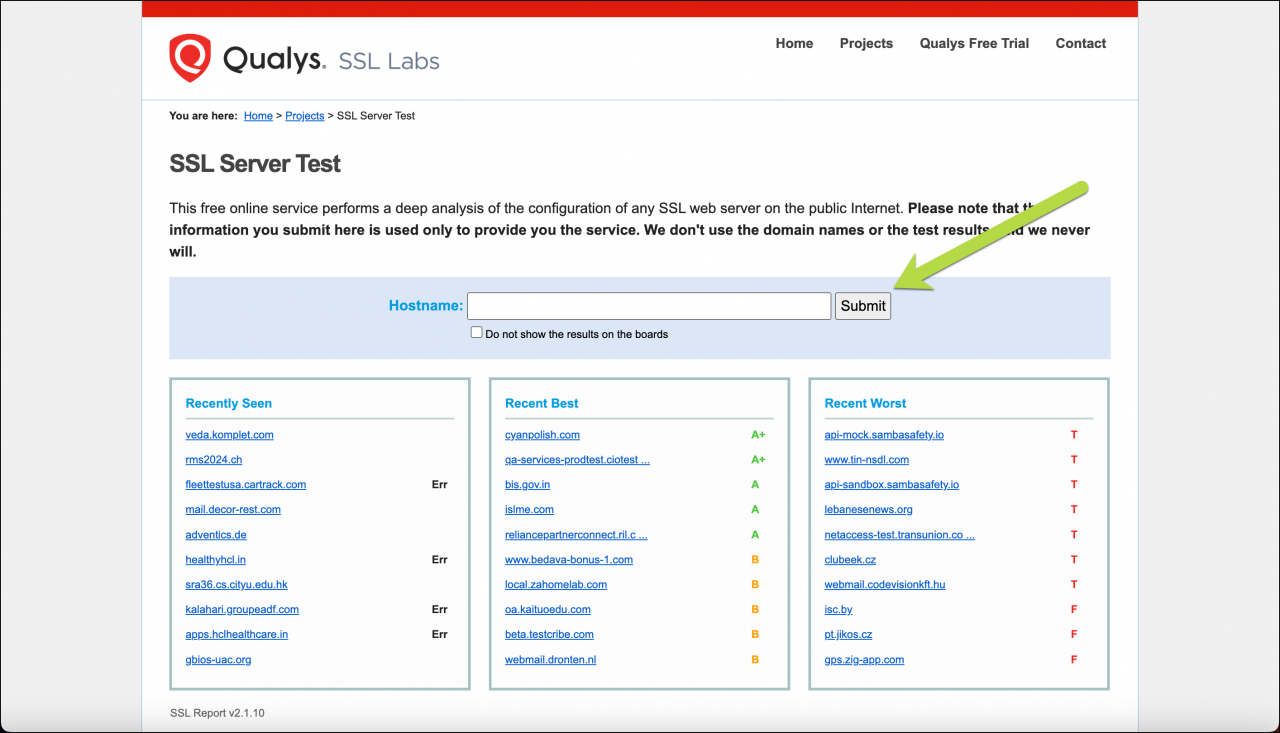
You can use any online tool, such as Ssllabs to diagnose SSL/TLS. Type your server address in the field and click Submit.
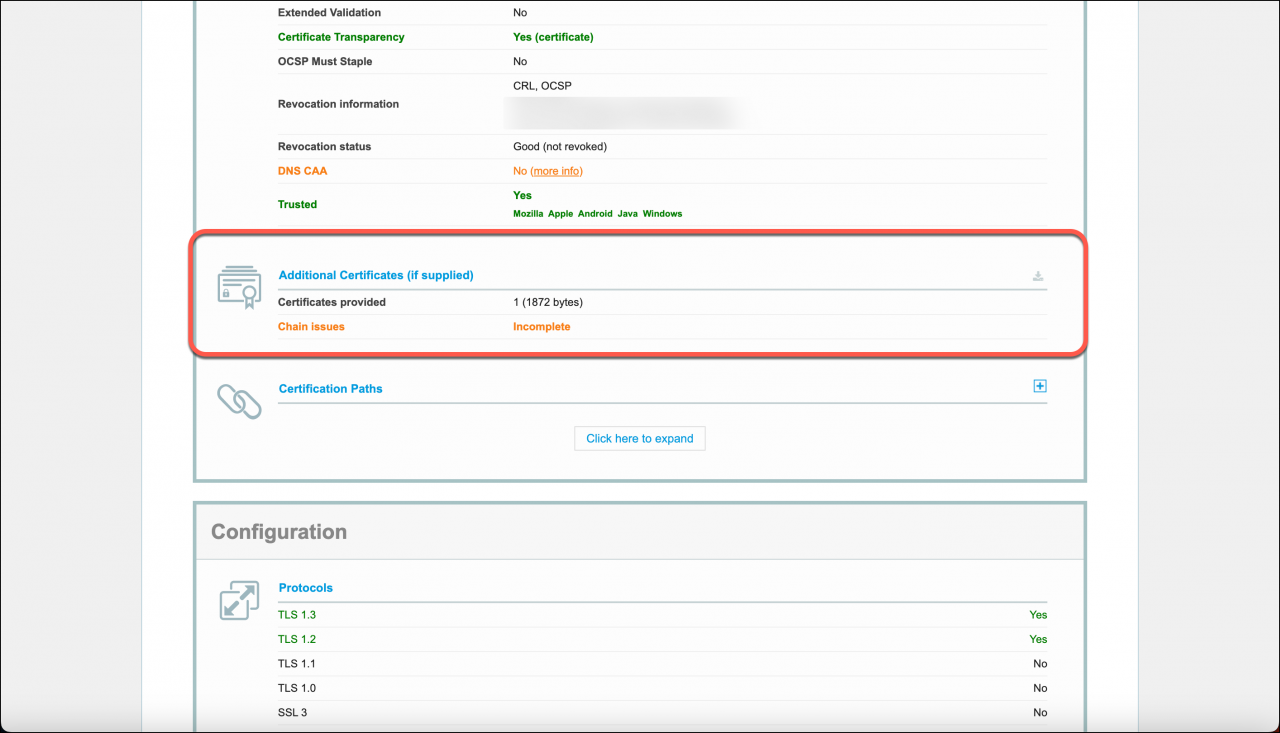
Then check the Additional Certificates (if supplied) field. If it contains the Chain issues warning, you need to configure your server to include an intermediate certificate into the server chain.
Most certificate authorities provide instructions for common web servers. Contact the publisher of your SSL certificate for details.